
On-Device AI, Explained: What It Protects and What It Doesn't

"Apple, Google, and the real boundary between your phone and someone else's server"
"On-device AI" has become one of those phrases companies put on a slide and move past quickly, as if everyone already knows what it means. The mechanics are simple enough to state in one sentence: instead of your question travelling over the internet to a company's server, where a model processes it and sends back an answer, the model itself - or a smaller version of it - sits downloaded on your phone, and the processing happens using your phone's own chip. No network trip is required for that step. That's the entire technical difference. What it means for your privacy is more specific, and more limited, than the marketing usually implies.

Private, on-device AI for your documents — ask questions, get cited answers.

The two most visible examples right now are Apple's Apple Intelligence, built into recent iPhones, and Google's Gemini Nano, built into Android through a system service called AICore. Both companies publish fairly detailed explanations of how their on-device processing works, which makes them useful anchors for a real answer instead of a vague one. This piece walks through what those explanations actually say, compares that to what happens when a request does go to a cloud AI service, and stays honest about the boundary: on-device processing removes some specific risks and leaves others completely untouched.
Worth saying up front: on-device does not mean more accurate. The models small enough to run on a phone are smaller than the ones running in a data center, and small models can still get things wrong or state details that aren't actually in front of them. That's a real risk with any AI system, on-device or not. Keep the two questions separate as you read - what on-device processing does for privacy, and what any AI model, regardless of where it runs, can still get wrong.
A Growing Wave of Cloud-Free Gadgets
In 2026, a growing number of gadgets can think for themselves without ever contacting the cloud, a shift that is changing how everyday devices work. On-device AI performs computations directly on user devices such as smartphones and cars, without relying on remote servers. The shift is widely described as a big moment for the industry, pointing toward a future of AI that is both powerful and privacy-focused.
The Cloud-Reliant Status Quo
Traditional AI heavily relies on cloud-based infrastructure, with machine learning models deployed and processed on remote servers. That approach carries known drawbacks, including variable latency, power drain from maintaining connectivity, and unbounded cost as usage grows. Because AI systems learn, reason, and solve problems by running models wherever the data lives, moving that computation to the device removes these friction points.
From Simulated Intelligence to On-Device Models
Artificial intelligence began as a field of computer science focused on creating smart machines that can perform tasks requiring human intelligence, such as learning, reasoning, and problem-solving. IBM defines the technology as enabling computers and machines to simulate human learning, comprehension, decision-making, creativity, and autonomy. On-device AI represents the next chapter of that arc, moving these capabilities from centralized data centers onto the hardware people already carry.
How On-Device AI Actually Works, According to Apple and Google
Every AI model, on-device or cloud, is a large file of numbers - its weights - plus a program that runs calculations using those numbers against whatever text, image, or audio you feed it. A cloud AI service keeps that file on its own servers, in a data center built for the job, typically racks of GPUs. Your phone sends the request over the internet, the servers run the math, and the answer travels back. An on-device model, sometimes called edge AI or edge inference, keeps a copy of that file, usually a smaller and more compressed version, in storage on your phone, and runs the calculation using the phone's own processor, often a dedicated neural chip built for this kind of math rather than the general-purpose CPU. Nothing about your specific question or document has to leave the device for that calculation to happen. The tradeoff is capacity: a data center can run a model with hundreds of billions of parameters; a phone, even a high-end one, cannot fit or run something that large at a usable speed, so on-device models are smaller and less capable than the frontier cloud models from the same companies.
It helps to know what problem on-device processing is actually responding to. An October 2025 study from the Stanford Institute for Human-Centered AI, led by researcher Jennifer King, looked at how six major U.S. AI companies - Amazon, Anthropic, Google, Meta, Microsoft, and OpenAI - handle chatbot conversations, and found that all of them use user conversations to improve their models by default, that retention periods run long, in some cases indefinitely, and that data from a chat is often combined with other information the same company holds about you, like search or purchase history (Stanford Report). None of that requires anything to go wrong or any company to act in bad faith - it's what happens by default when a request has to travel to a server to get answered.
Apple's own privacy documentation describes Apple Intelligence's baseline this way: "When possible, Apple Intelligence models run entirely on device so that a task can be completed without data leaving your device" (Apple). For requests too complex for the on-device model, Apple built a system called Private Cloud Compute, which does send data to a server - but Apple says that content is "not stored or made accessible to Apple," and that it logs only metadata like request size and processing time, not the content of the request itself. Apple also says the software running on those servers is published for outside researchers to inspect, so the claim isn't purely a promise to take on faith (Apple Security Research).
Google's approach is narrower in scope but rests on the same basic principle. Gemini Nano is a smaller version of Google's Gemini model that ships on supported Android phones and runs through a system service called AICore. Google's developer documentation states it plainly: it "lets you deliver rich generative AI experiences without needing a network connection or sending data to the cloud" (Android Developers). Tasks like summarizing text or rewriting a message can run fully offline, on Pixel and Galaxy phones that support it, using the phone's own hardware acceleration.
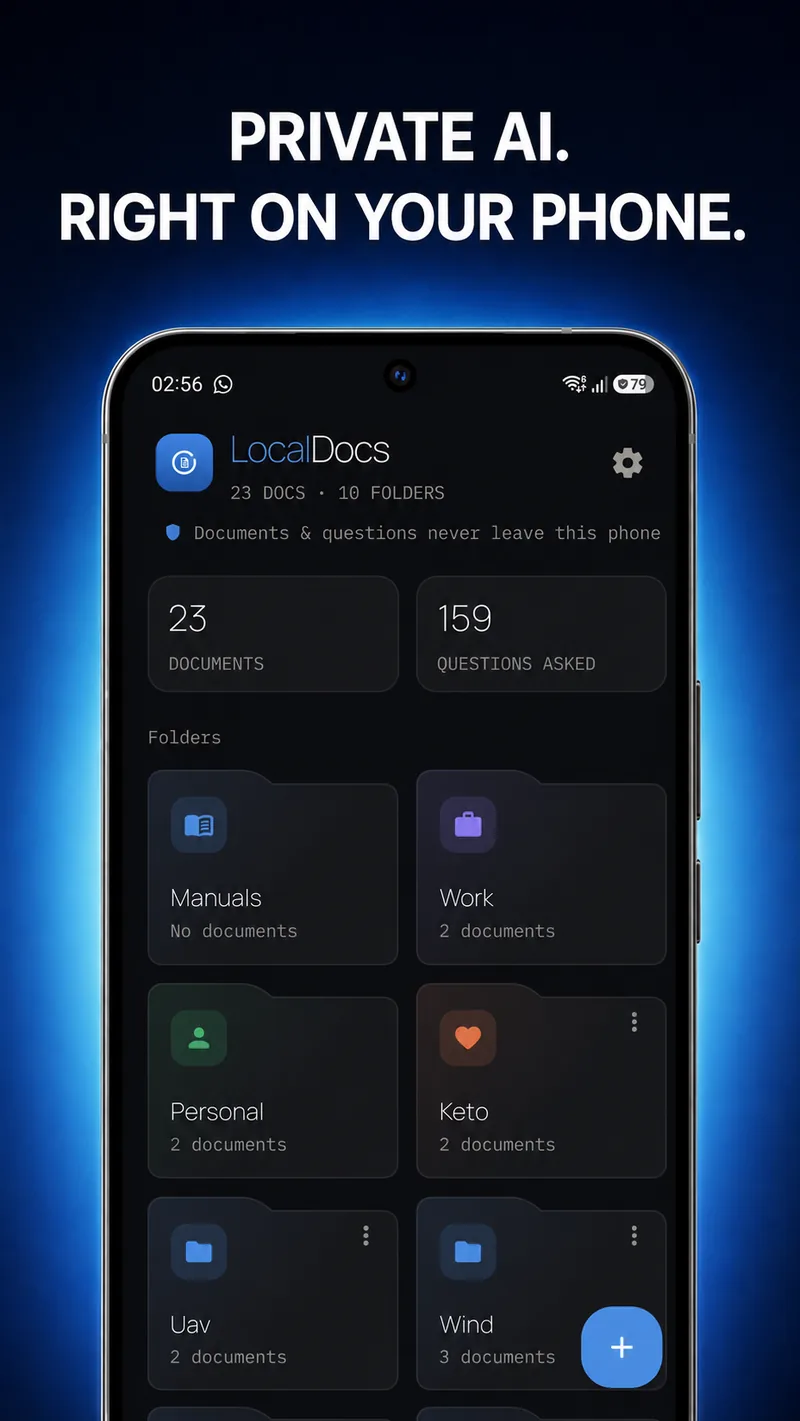
None of this architecture is exclusive to companies the size of Apple or Google. Any developer can build an app around a small, locally-run model instead of a cloud API - the same underlying idea, applied by a smaller team to a narrower job. LocalDocs, an Android app built by Mystum, is one example: point it at a folder of your own files and it answers questions about everything in that folder using a model that runs on the phone itself.
- The upload step disappears. Your question, and whatever document or image it concerns, doesn't have to cross the network to reach a company's server, so there's no leg of that trip for anyone to intercept.
- There's no server-side copy of that specific request sitting on a vendor's infrastructure waiting to be caught in a future breach, because for a fully on-device task, it was never sent there in the first place.
- The company that built the model can't retrain on content it never received. This is close in spirit to what data protection law calls data minimisation - GDPR's Article 5 defines it as collecting only what is "adequate, relevant and limited to what is necessary" for the purpose (GDPR Article 5) - though an app being on-device is an architecture choice, not a compliance claim, and this article isn't asserting that any product here is GDPR-certified or audited.
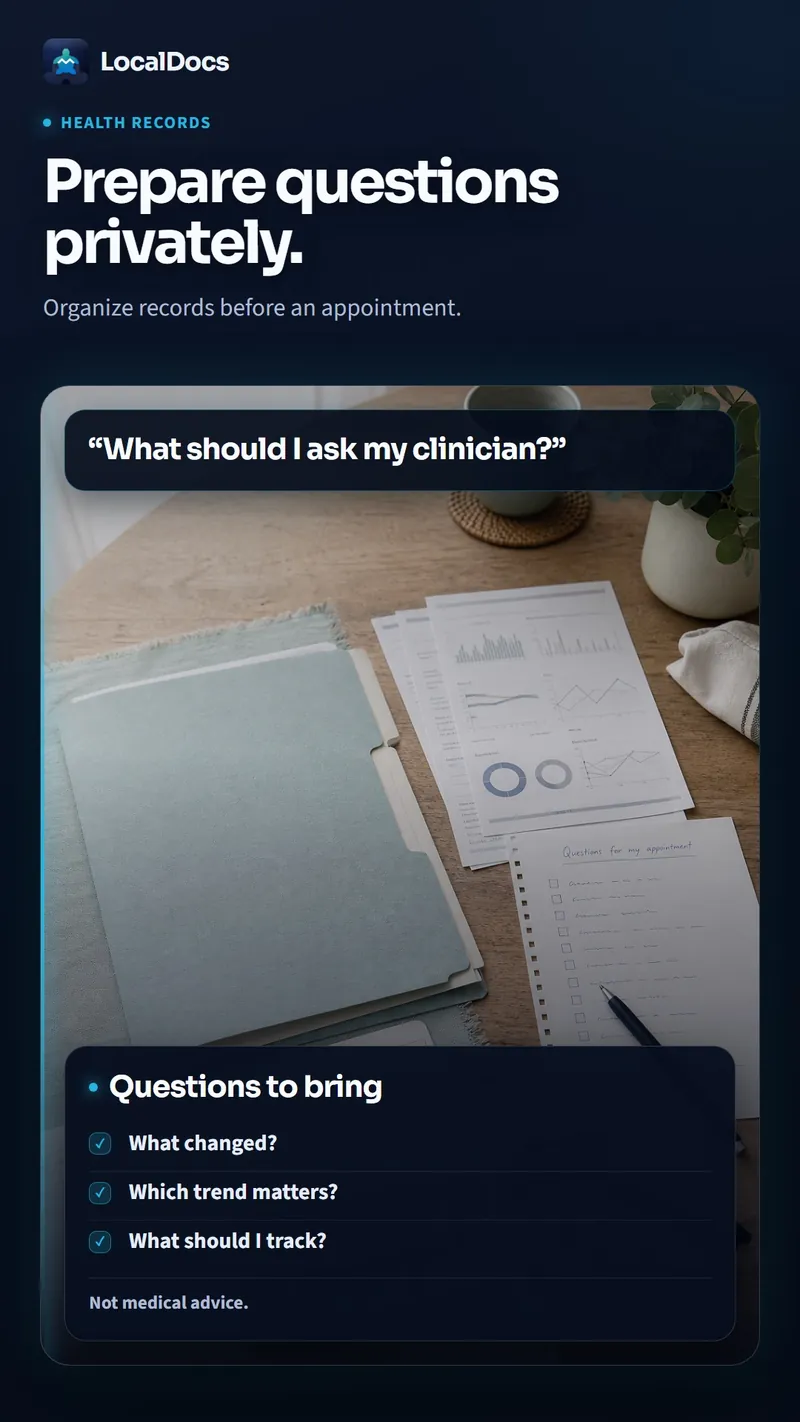
- A concrete case this applies to: a folder of your own health records, kept for personal reference rather than as medical advice, can be searched and asked about without that folder's contents ever needing to leave the phone to get an answer.
Frontier Models, Runtimes, and Ambient Interaction
Research labs are now building models, runtimes, and infrastructure specifically designed to make on-device AI interactive, ambient, and continuous. The next generation of AI products, they argue, will be built around continuous interaction rather than isolated prompts and chat. Production-grade on-device AI SDKs already cover voice, language, and vision, bringing cloud-grade AI to devices while eliminating variable latency, power drain from connectivity, and unbounded cost.
The Cloud Still Has a Grip on the Industry
Despite the momentum behind on-device AI, much of the industry's artificial intelligence still depends heavily on cloud-based infrastructure for deploying and processing machine learning models. The central question remains how models are deployed and processed, and cloud computing continues to dominate that equation. As a result, the transition to on-device processing is framed less as an instant replacement and more as a significant industry shift whose full impact is still unfolding.
Edge AI vs. Cloud-Based AI
The main difference between edge AI and cloud-based AI is how machine learning models are deployed and processed. Traditional AI heavily relies on cloud-based infrastructure, while on-device AI runs computations locally on user devices such as smartphones and cars, without remote servers. The payoff is practical: eliminating variable latency, cutting the power drain caused by constant connectivity, and removing unbounded cost, while also enabling capabilities like real-time translation without an internet connection.
None of this makes the phone itself a safe. On-device processing removes the network leg of the trip and the server-side copy that goes with it - it does not remove device-level risk. Anyone who has your phone unlocked in their hands can open the app and read whatever it can read, same as any other app. Malware already running on the device can still read local files directly, with or without an AI feature involved - an on-device model doesn't add a new attack surface there, but it doesn't remove the existing one either. And if the folder you're pointing an on-device app at is itself synced to a cloud service - Google Drive, iCloud, Dropbox, whatever backs up your device - those files are already sitting on that provider's servers regardless of how the AI model that reads them locally is built. On-device processing doesn't pull files back out of a cloud backup; it just avoids adding a second copy.
LocalDocs, specifically, works entirely offline after setup: it reads PDF, .docx, plain text, Markdown, and HTML files as a library you can question across, and it can also read a photo of a handwritten note or sketch directly when you attach that photo to your question, requires no account, and every answer names which document it came from so you can tap through and check the source yourself rather than take the model's word for it. Two honest caveats worth stating: the model runs on the phone's own hardware rather than a data-center GPU, so indexing a large folder or asking a question that spans many documents takes longer than the same request would take on a cloud model, and reading handwriting works best on clear print or legible drawings, and gets noticeably weaker on fast cursive or cluttered sketches.
LocalDocs is Mystum's own app - we built it, and we're telling you about it here directly. If you want to see how this looks in practice: try LocalDocs.
The Short Version
On-device AI means the model runs using your phone's own processor instead of a company's server, so for that piece of processing, your data doesn't have to travel over the network to get an answer. Apple's Apple Intelligence and Google's Gemini Nano are the two most visible examples running on phones right now, and both companies publish real detail about how the on-device and cloud-fallback parts of their systems actually work.
Powerful and Privacy-Focused
Industry commentary frames the shift toward on-device AI as a big moment for the industry, showing that the future of AI will be both powerful and privacy-focused. Because data stays on the device rather than being sent to remote servers, local processing is positioned as a natural fit for privacy-conscious users. This combination of capability and confidentiality is the core promise of the on-device approach.
Continuous Interaction as the Next Frontier
Looking ahead, next-generation AI products are expected to be built around continuous interaction rather than isolated prompts and chat, powered by on-device models and runtimes. By 2026, a growing number of gadgets are already able to think for themselves without ever contacting the cloud. Research into new frontiers, including 1-bit AI approaches that push even more capability onto hardware, is leaving the cloud further behind.
Reshaping the Infrastructure Equation
Because traditional AI relies heavily on cloud-based infrastructure, moving computation onto smartphones, cars, and other devices changes the underlying economics and architecture of AI systems. On-device processing removes the need for constant connectivity, which has broad implications for power consumption, latency, and cost. This rebalancing of where AI work happens is a systemic challenge as much as a technical one.
AI That Works Where You Are
The real-world value of on-device AI is felt in everyday moments, such as using real-time translation during a first trip abroad without an internet connection. The technology is changing the equation for the devices people use every day, letting gadgets think for themselves regardless of connectivity. This is why on-device AI matters and what it means for the devices in everyday life.
What that architecture removes: the upload of that specific request, a server-side copy of it that could later leak in a breach, and the company using content it never received to retrain its model. What it does not remove: anyone else who gets into your unlocked phone, malware already running on the device, or the fact that if your files are synced to a cloud backup, they're already off the device regardless of how an AI feature processes them locally.
The practical habit worth building is asking, for any AI feature you use, whether it runs locally by default and what happens when a request is too big for that - not assuming an app is either fully private or fully exposed, but checking which specific parts of a request actually leave your phone, and which don't.
Private, on-device AI for your documents — ask questions, get cited answers.